Ltouch7
has changed the concept of
industrial automation
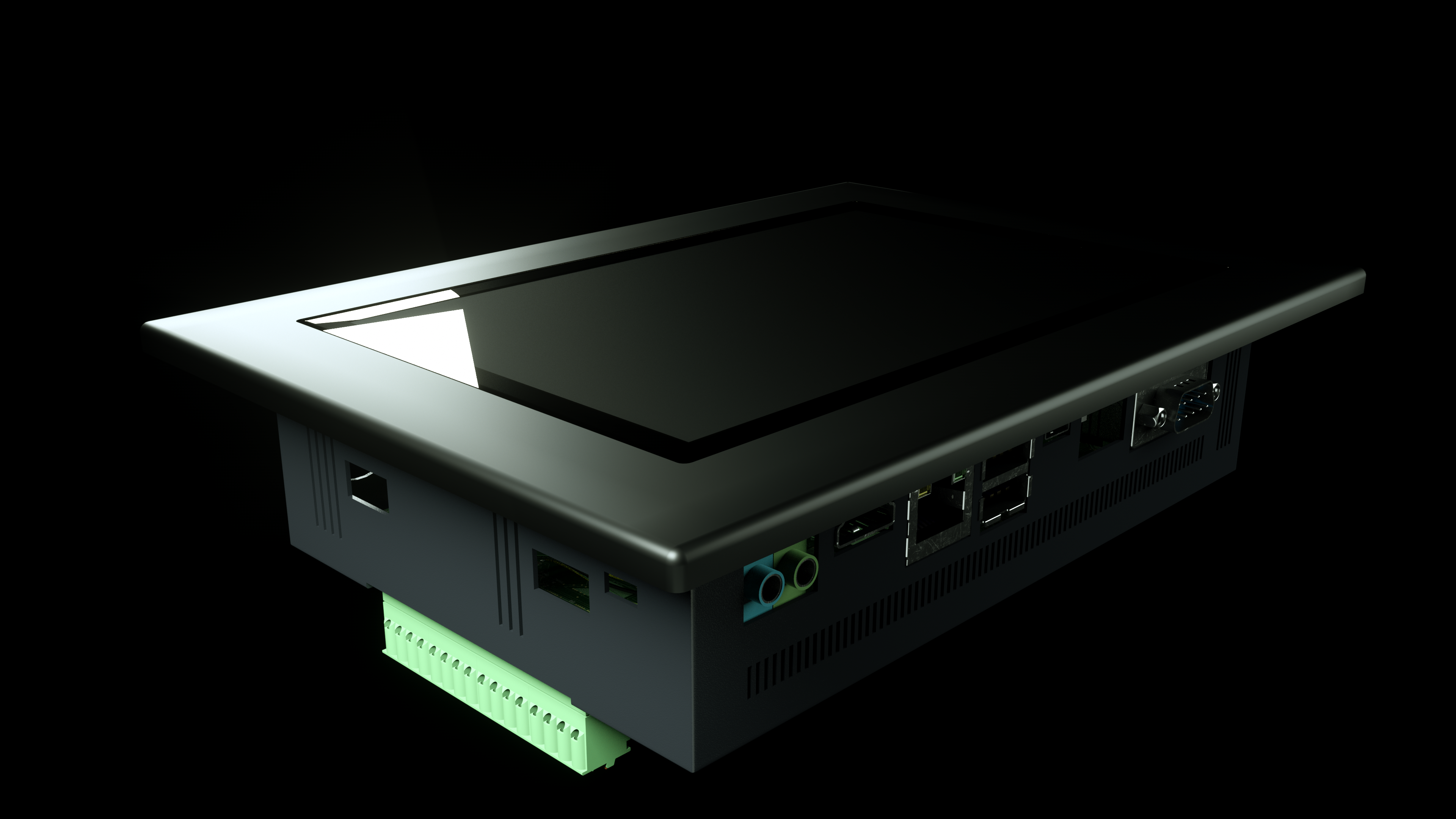
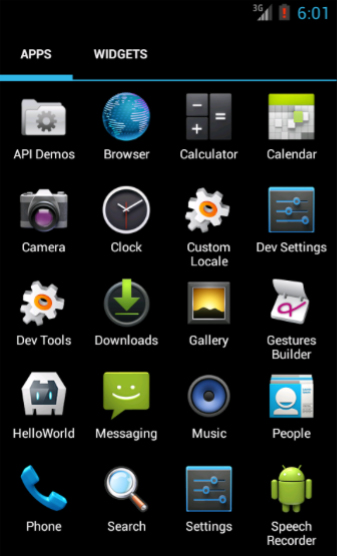
Biemme Italia is proud to present a new touch panel for industrial automation, that support Android 5.1 technologies:
this is Ltouch7.
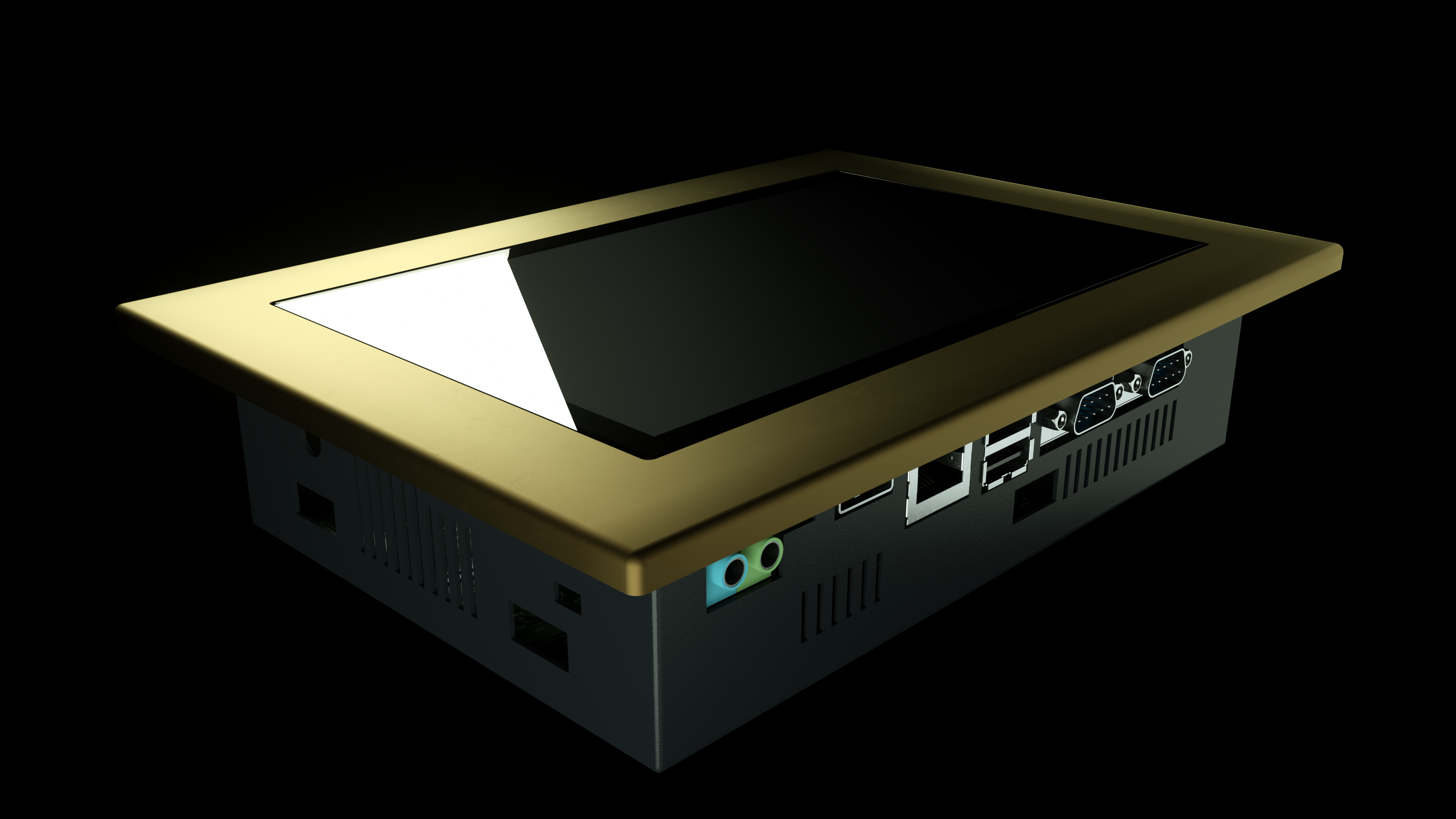
This powerful board comes with a capacitive 7" multi-touch screen, quad core A9, DDR3 RAM: 1GB 32bit DDR3 RAM
eMMC: 8GB
Anodized and polished aluminium frontal frame stainless steel rear cover.
Thanks to the free development Android Studio you can create your own personalized app using Java
Graphics and Logics all in the same IDE.
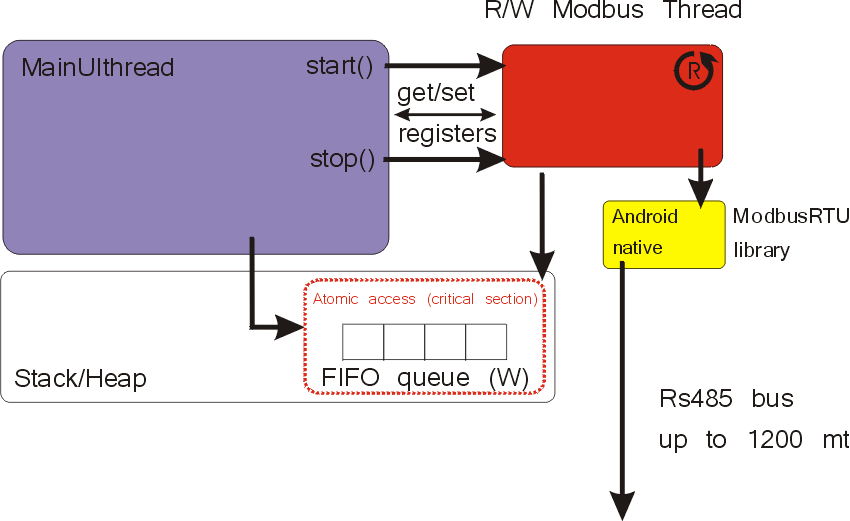
Android 5.1 and its many functions allow you to connect with the worlds. In order to leverage the flexibility of the Android OS, the board has a native modus RTU library for Android that is able to communicate with every device through RS485.
Android 5.1 rooted
Surprising resolution
1280 x (RGB) x 800
display without film,
glass to the touch,
all IP54
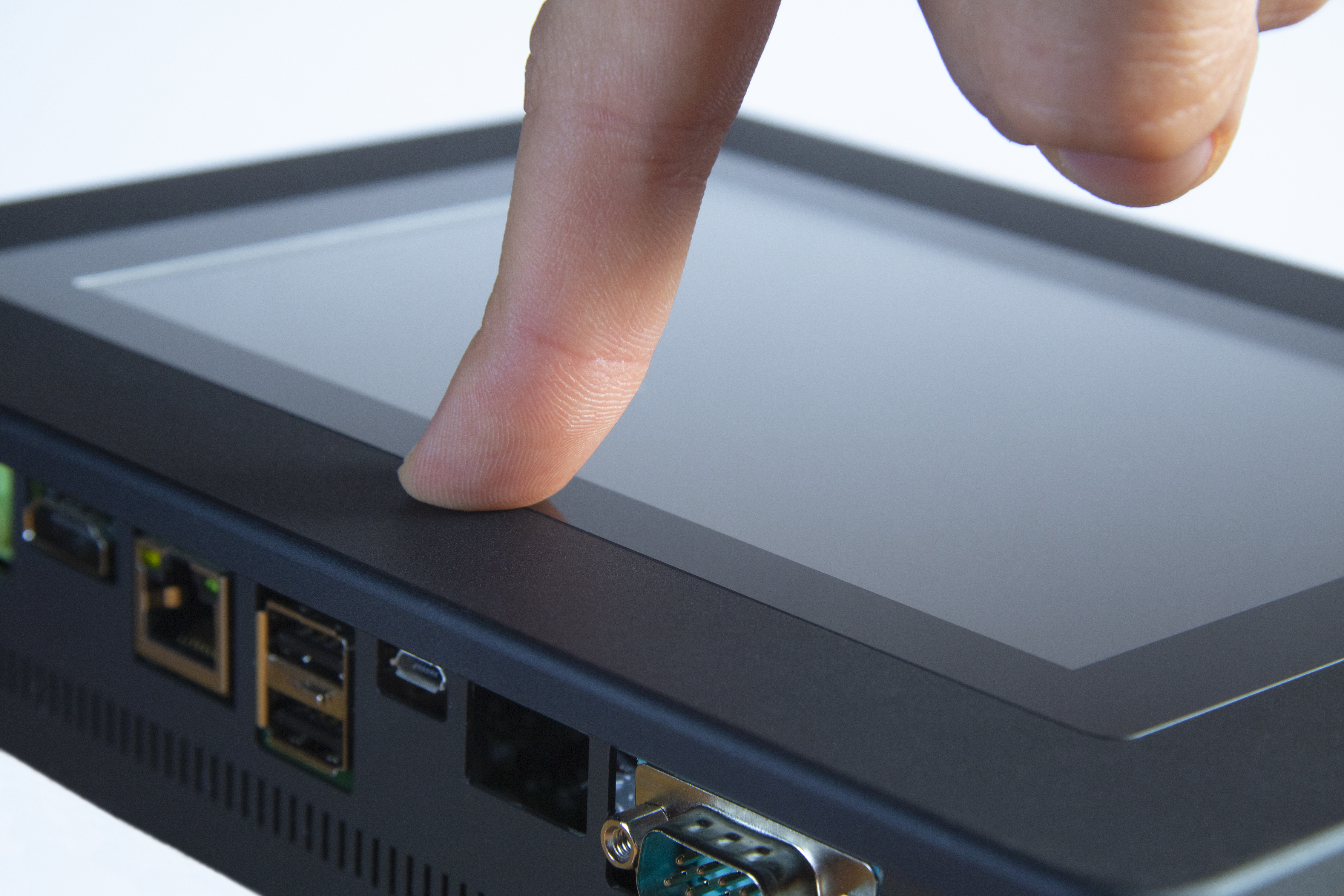
Display Capacitive touch screen with surface treatment : AG.
Is mounted on panel aluminium thin of 5mm with hard electrolytic anodic oxidation. Sealing front panel of IP54, the surface of touch screen is smooth without any adhesive. All displays are strictly installed by the BiemmeItalia staff, so that they have the highest quality of the product.
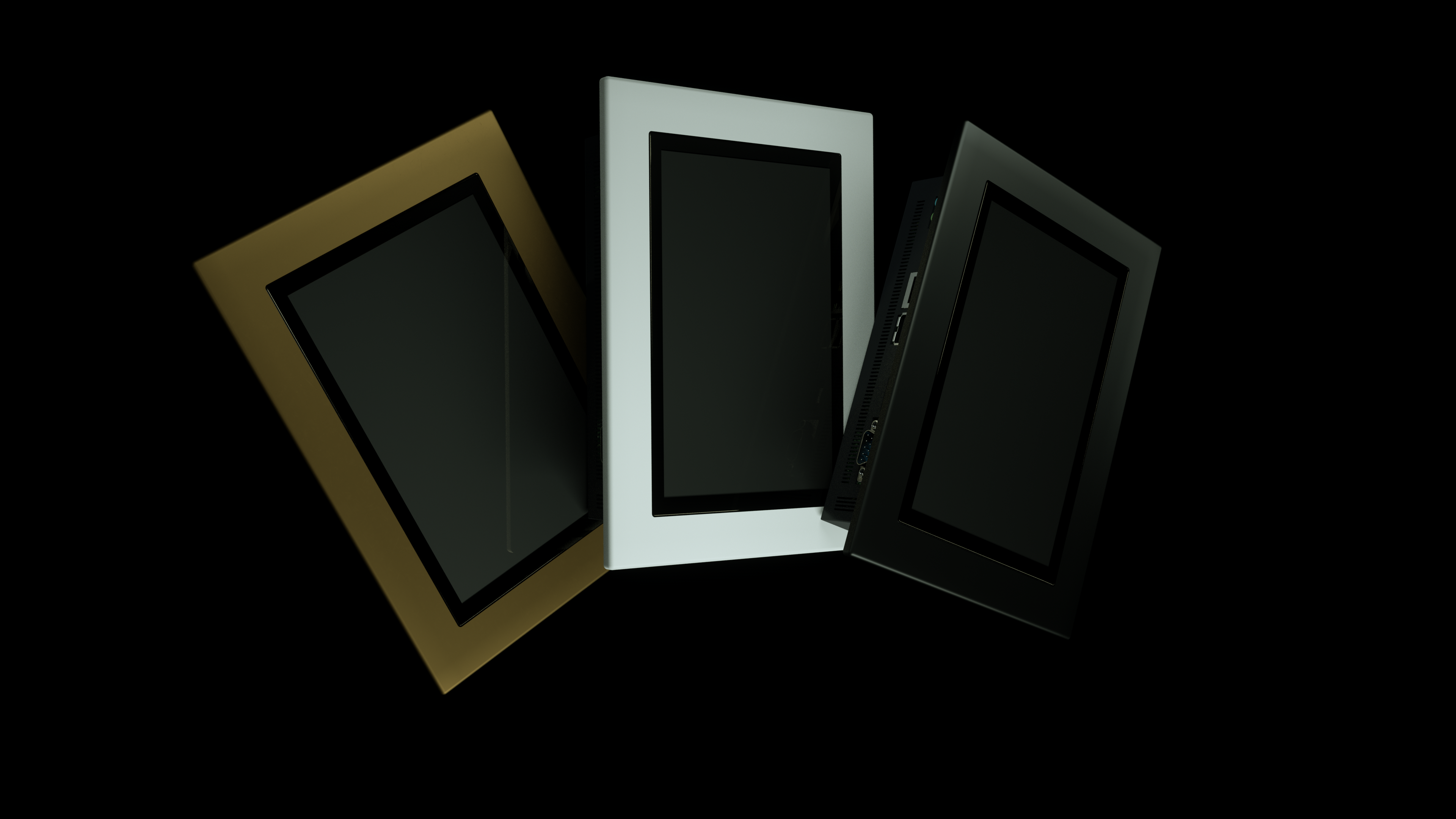
the color ? you can choose it
RS485
completely galvanically isolated
The product will comes with a free Android modbus library that can be used to communicate with any commercial products such as PLC, I/O modules, temperature controllers and in general with any device that support the modbus protocol through rs485.
We developed our own library to support hardware I/O in all Android projects; it is reliable, fast in terms of execution time and open source . It is simple to import our library in eclipse projects and write your (java) project to handle I/O
RS485 it is polarized, so as to allow communication over long distances
Ethernet
1000/100/10M
If a board is connected to a network via Ethernet before it is powered on it will automatically obtain an IP with DHCP activated after it is powered up. If you want to set up a static IP you can use the user interface or modify the kernel
Stay connected from anywhere
WiFi: 802.11b/g/n
On board there is a module low-power consumption module which has all of the WiFi, Bluetooth. With seamless roaming capabilities and advanced
security, also could interact with different vendors’ 802.11b/g/n Access Points in the wireless LAN.
The wireless module complies with IEEE 802.11 b/g/n standard and it can achieve up to a speed of 72.2Mbps with single stream in 802.11n draft, 54Mbps as specified in IEEE 802.11g, or 11Mbps for IEEE 802.11b to connect to the wireless LAN.
Which one suits you best?
all model have wifi, ethernet, RS485, USB, MicroSD, audio in & out, capacitive display as standard, but the differences are small in your eyes
Ltouch
7
o.s. Android, quad core Cortex A9, dynamic frequency scaling up 1.4GHz, 1GB 32bit DDR3 RAM
eMMC: 8GB, it does not have any digital or analogue input.
Ltouch
o.s. Android, quad core Cortex A9, dynamic frequency scaling up 1.4GHz, 1GB 32bit DDR3 RAM
eMMC: 8GB, 16 inputs/outputs, 4 Analog inputs, 4 Analog Outputs
Ltouch
7GS
From 429,00€
o.s. Android, OCTA-CORE A53 Cortex ARM, dynamic frequency scaling up 1.4GHz, 2GB 32bit DDR3 RAM
eMMC: 16GB, 4 relay outputs, 2 Analog Inputs to 18bit resolution
Even if without inputs outputs on the board, you can still use the multiple RS485 or ethernet peripherals or the wifi to connect other devices
you have an expansion installed with 16 inputs / outputs, 4 configurable analog inputs max resolution 16bit, and 4 analog outputs in voltage or current
an even more powerful processor, a dedicated library to simply use the outputs and analogs on board. You have two analog inputs in voltage or current with a maximum resolution of 18bit
7GS
Current analog inputs
to acquire the signal all you have to do is connect it like this
Voltage analog inputs
only two wires, connect it like this
Analog acquisition to 18bit
BMTouch.ADC_read_channel((byte) 0, (byte) 0);
read channel allows you to acquire the value of the two analog inputs present in the Ltouch7GS, Thanks to a high analog converter you can go up to 18 bit resolution
Information exchange
There are no limits for Ltouch7
Possibility to implement a server inside the Ltouch7 with which any wifi device can exchange information.
Is simple.
Just connect to the Ltouch7 network generated with hotspots.
You receive.
It commands.
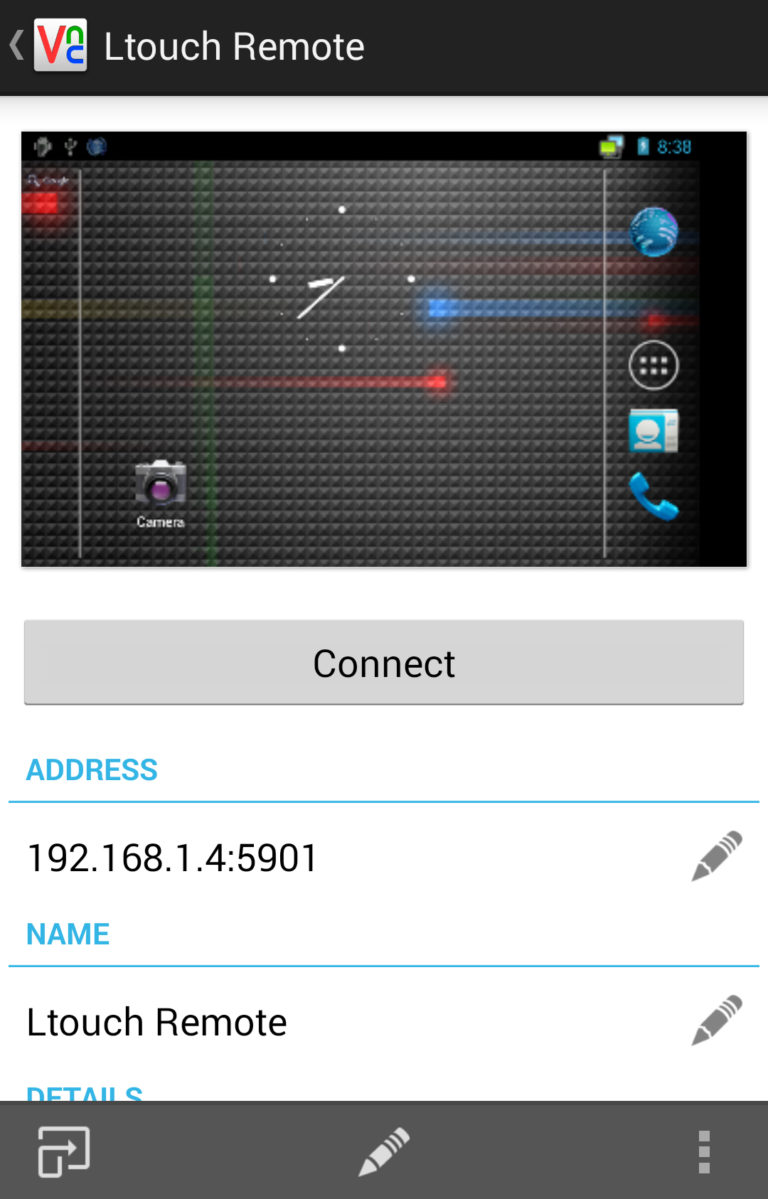
Ltouch is rooted
This application starts automatically when the device starts.
We have created a series of settings to adapt it to all situations. Some of the settings
-p Password to access server
-e Path to encrypted password file to access server
-r Screen rotation (degrees) (0,90,180,270)
-s Scale percentage (20,30,50,100,150)
-z Rotate display 180 (for zte compatibility)

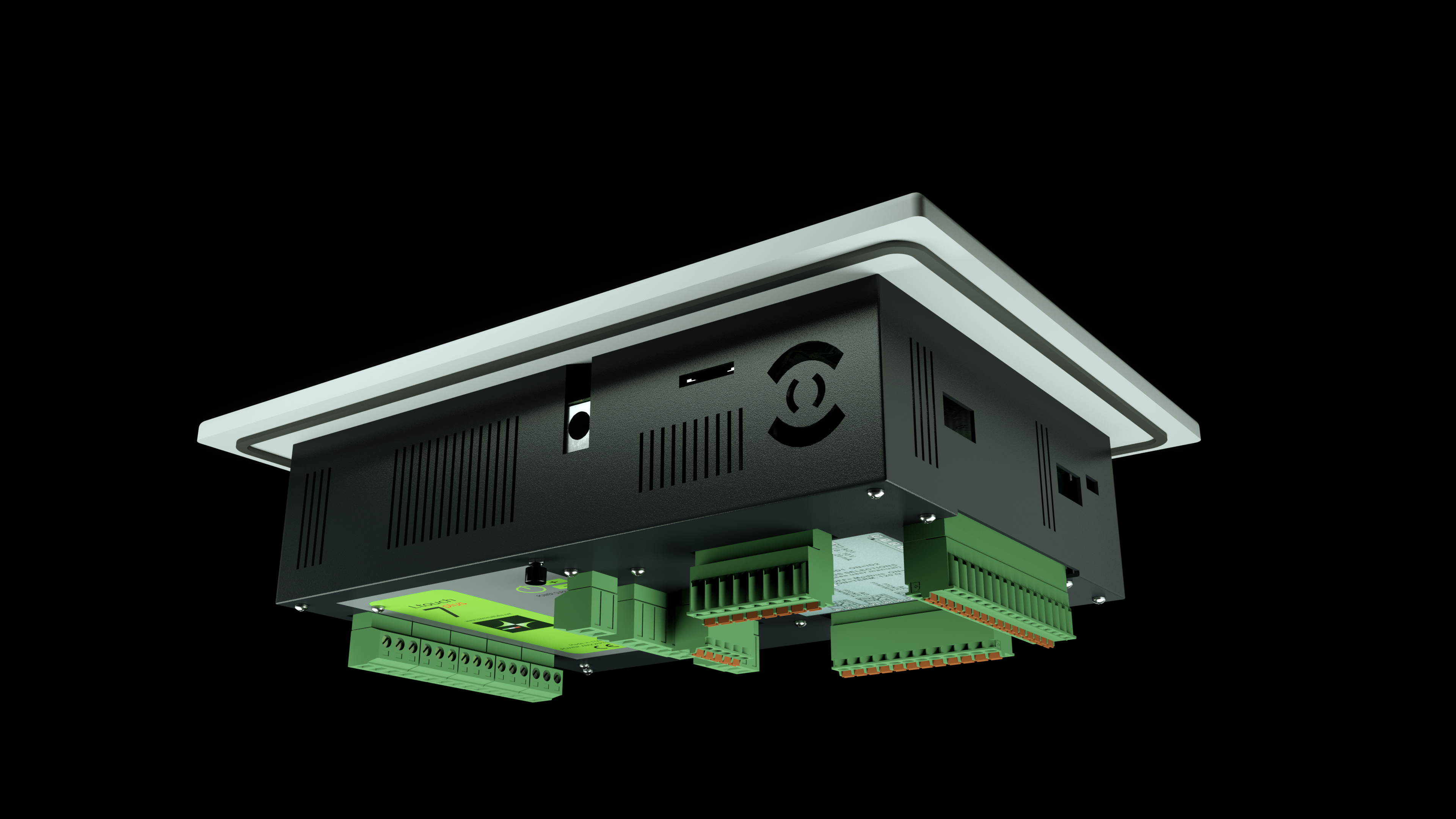
The whole Ltouch series is simple Easy to install, thanks to the removable terminals
SSH
YES , we created it for Android
You can securely connect to a remote computer or server using a text-based interface.
When a secure SSH connection is established, Ltouch shell session will be started and it will be possible to manipulate the server by typing commands within the client on the local computer.
we can install the SSH server inside the touch
Upload all the projects you want, just use what you need
You can have all your projects contained within Ltouch7, only when you need and without any external device you can choose the app that is right for you.
let the operator choose
install your app in your smartphone and show your work to the customer.
we are at your service
info@biemmeitalia.net
use this mail for any information
Marketing
directly from us, without intermediaries, visit our store